LLM assistants like ChatGPT are great at thinking and writing, but they’re still fairly constrained when it comes to acting on your behalf. Some products are starting to add integrations (mail, calendars, etc.), but I wanted something that could work with my setup: my own tools, my own data, and my own “second brain”.
I first got a glimpse of that workflow via Cursor: an agent that can answer questions using my notes as context, and can also help edit them. The missing piece was portability—I wanted the same kind of helper available from my phone, not just from a laptop.
That’s why I built Nullpaw.
Hello Nullpaw
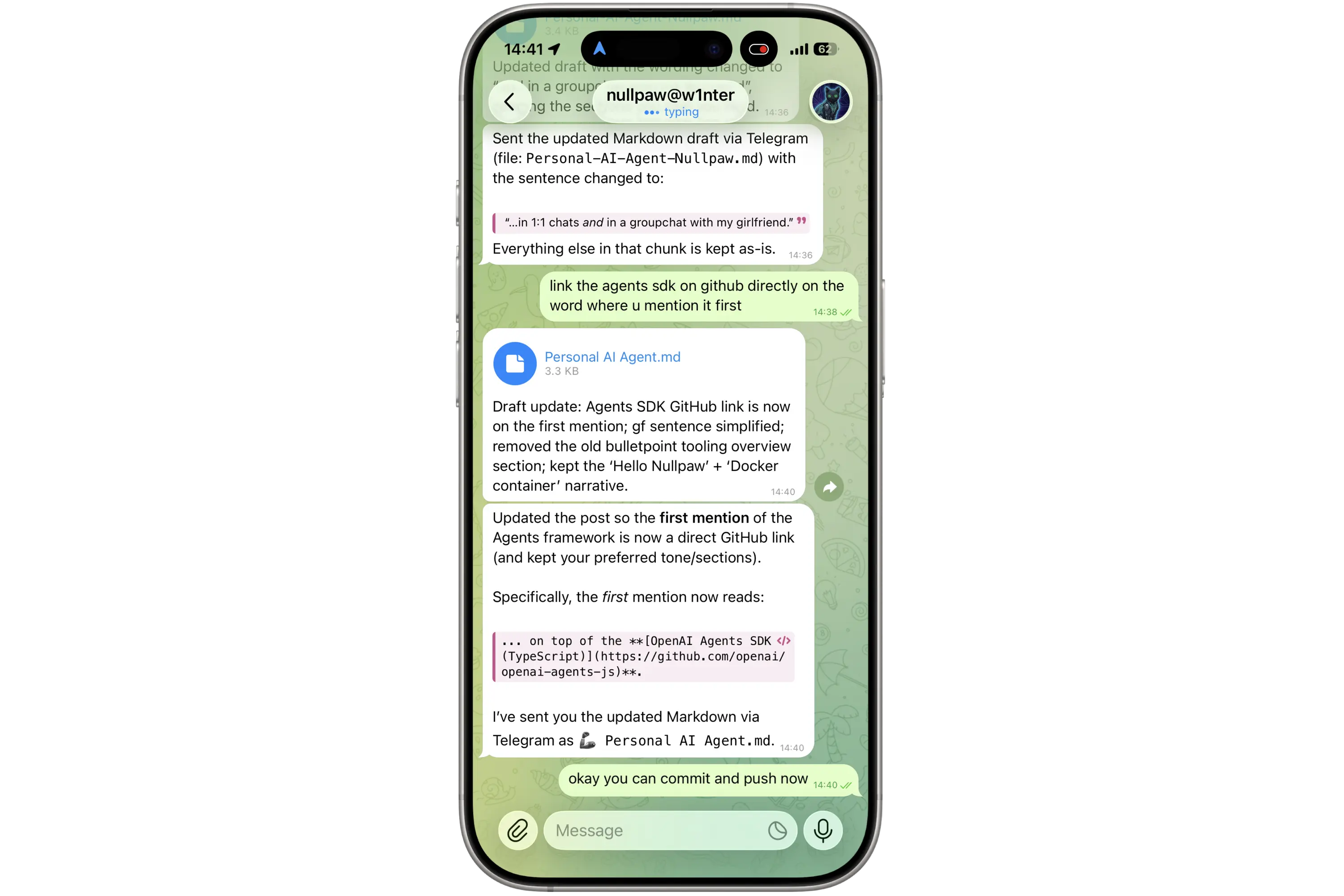
Nullpaw is my personal chat agent, running on my home server as a Docker container.
The important part is how it shows up in my life: I mainly talk to it via Telegram — in 1:1 chats and in a groupchat with my girlfriend. That means I can ask it to do things while I’m out and about, without opening a laptop or context-switching into “tooling mode.”
It’s not just text, either: because it lives inside Telegram, it can handle the same messy inputs that humans do — images, files, and even voice messages.
Conceptually, Nullpaw is three things glued together:
- A chat interface (Telegram) that feels as low-friction as messaging a friend.
- A toolbox of actions it can take (calendar, email, files, shell commands, note-taking).
- A memory layer so it can keep continuity instead of being a goldfish with a PhD.
A Docker container with a real toolbox
I deliberately didn’t build Nullpaw as “just a prompt.” It runs inside a Linux container with a bunch of practical utilities installed — the boring stuff that makes automation actually useful.
That means it can do things like:
- run git / grep across my notes to find and link related context
- use python3 for quick data transforms
- use curl to talk to APIs
- use imagemagick to resize/convert images when I’m generating assets or cleaning up attachments
In other words: it can reason in natural language, and then execute in an environment that looks like a small, scriptable workstation.
What this looks like in practice
A few examples of the kinds of workflows that made this worth building:
- Calendar changes directly from chat. I can ask Nullpaw to create, update, or delete events without opening Google Calendar — including from a Telegram group chat.
- Keeping my “second brain” up to date. When something is worth remembering, I can tell Nullpaw to add it to my Obsidian knowledge repo (and it can handle the boring parts like finding the right note, linking related context, and formatting it cleanly).
- Handling real-world inputs. If I forward it a file, send a screenshot, or drop a voice note, it can turn that into something actionable — e.g. summarizing what’s in an image, or turning a voice message into structured notes.
The through-line is simple: I want an agent that can do things in the same place I already communicate.
Tech stack
Nullpaw is built in Node.js on top of the OpenAI Agents SDK (TypeScript). The interaction between frontend and backend is done via WebSockets, and the whole thing is packaged and deployed as a Docker image via GitHub Actions.
Conversations are persisted so the system can maintain continuity over time.